Lingerie and Swimwear Product Photography with AI: How It Actually Works (2026)
Why on-model photos are so hard in lingerie and swimwear, why most AI tools refuse the category entirely, and how a seed-locked synthetic model builds a consistent catalog. Step-by-step guide.
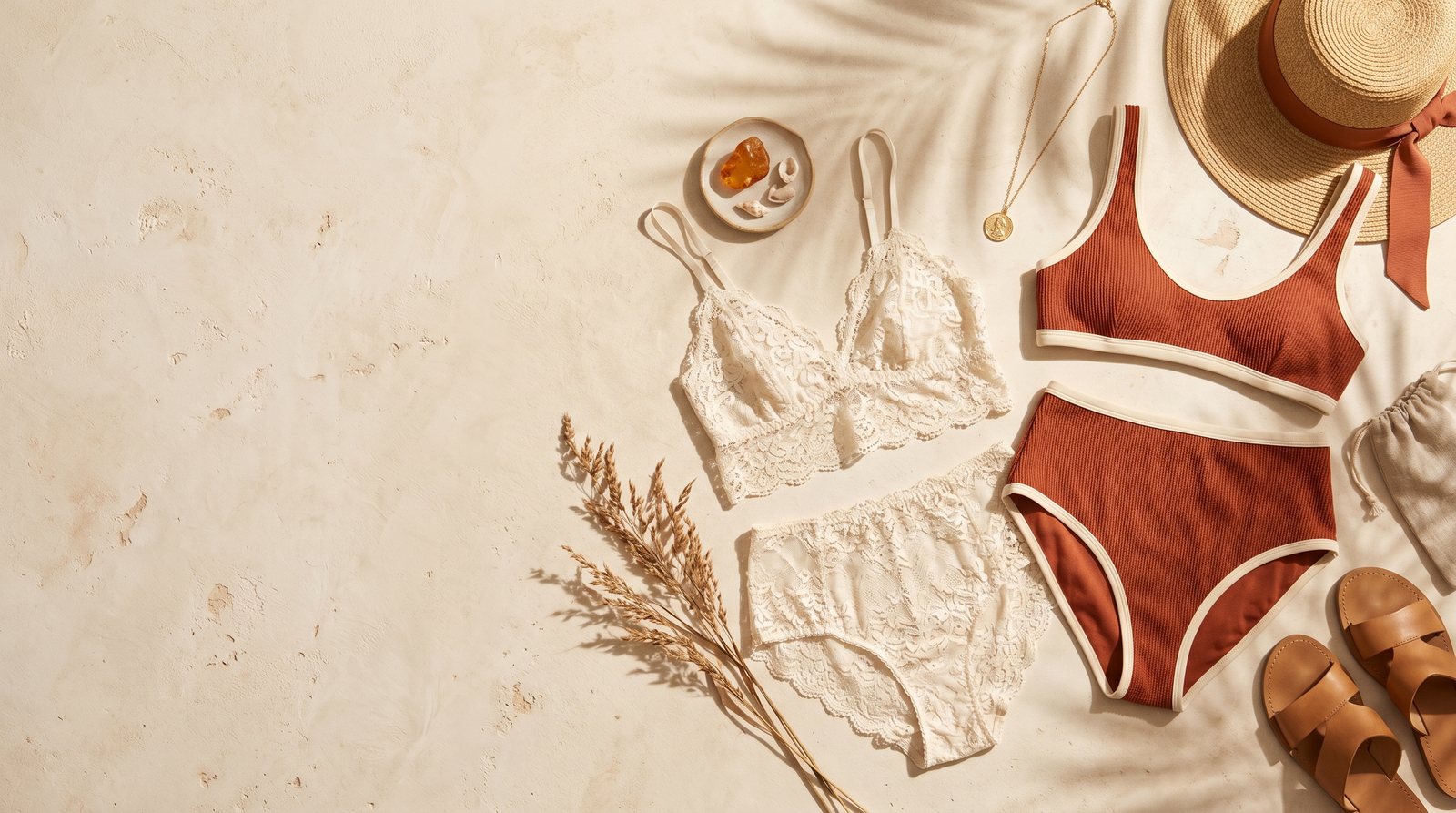
Short answer: Lingerie and swimwear are the most expensive and most blocked category in product photography: models are hard to book, shoots cost multiples of a standard session, and most AI tools refuse the category outright because their safety filters reject any real-person reference. The working approach is a fully synthetic, brand-exclusive AI model: NOX's lingerie model system generates a model from scratch, locks its generation signature (seed), and reproduces the same face and body across your whole catalog. No real person is involved, which is exactly why it is both safe and reliable.
Brands selling lingerie, underwear and swimwear share the same problem: the product does not sell on a hanger or in a flat lay. Buyers want to see fit, cut and how the fabric sits on a body. But on-model shoots in this category are harder than anywhere else, and moving the job to AI runs into a wall most sellers discover the hard way. This guide explains why the category is special and how it is solved.
Why is this category so hard?
- Model cost and privacy: The pool of models who accept lingerie work is small and rates are far above standard shoots. For small and mid-size brands, a per-collection model shoot is usually out of budget.
- AI tools refuse the job: Image models' safety filters categorically reject real-person photo references in lingerie and swimwear generations. Even a fully clothed reference photo of your model gets blocked. So the "upload my model's photo and let AI dress her" route is closed in this category, across the industry.
- Consistency problem: Tools that generate from a text description alone produce a different model every time. Your catalog ends up with a different face and body on every product; that is an album, not a storefront.
The solution: a brand-exclusive synthetic model
The approach that works is to never use a real person's photo at all: generate a model from scratch with AI and technically lock it. NOX has a dedicated system for this: the lingerie model.
- In Model Studio, you create a brand-exclusive model with the lingerie model option: facial features, skin tone, hair and body type are generated from your description.
- The system captures and locks the model's generation signature (seed). This technical lock is what brings the same face and body back in every subsequent shoot.
- In On-Model shoots you select this model; your product (bra, set, swimsuit, bikini) is generated on the same locked model, with catalog-level consistency.
Because no real-person reference is ever used, safety filters are not an issue, and there is no likeness-rights risk either: the model does not belong to a real human.
Catalog practice: what to watch
- Consistency level: A seed-locked synthetic model gives a "same shoot" feel: front, back and different products keep the same model perception. The goal is professional catalog coherence.
- Reference quality: The product itself still needs a good reference: flat surface, sharp, the whole product in frame. How well lace and pattern detail carries over depends on reference clarity.
- Set structure: The usual set logic applies here too: clean product shot, on-model front and back, close-up details. Check each marketplace's main-image rules for this category before uploading.
- Instagram storefront: In this category, brand perception is built on Instagram. The same model appearing consistently across products turns a profile into a brand. We share daily before/after examples at @noxstudio.tr
Step-by-step workflow
- Take one clear photo of the product (flat lay or on a mannequin, plain background).
- Upload it to NOX Studio.
- Create your brand's lingerie model once in Model Studio (available on Studio plans and above).
- Select that model in the On-Model tool and generate; take separate shots for front and back.
- Download your picks; square versions for marketplaces, vertical for Instagram.
For how on-model generation works in other categories: AI fashion model: dressing products on a model
Frequently asked questions
Why do AI tools refuse lingerie and swimwear? Image models' safety filters are designed to block real-person photos being combined with underwear products; even a clothed reference is rejected. This is an industry-wide safety standard, not a limitation of one tool. The fix is removing the real-person reference entirely and using a fully synthetic model.
Does the synthetic model resemble a real person? No. The model is generated from scratch from a description and is not derived from any real person's photo. That is the foundation of both filter compliance and likeness-rights safety.
Do I get the same model in every shoot? Yes, that is the point of the system. The model's generation signature is captured at creation and reused in later shoots, keeping the same face and body across the catalog.
Can we use our own model's photo instead? Not in lingerie and swimwear; safety filters reject real-person references in this category. In other apparel categories you can work with a model reference photo.
Which plan do I need? Creating a lingerie model is available on Studio plans and above. If you want to try generations first, everyone gets 3 free generations at signup, no card required.
Ready to create your own shoots?
Studio, model and campaign visuals from a single product photo.