AI Fashion Model: How to Put Your Products on a Model (Guide)
Professional on-model shots from a single garment photo. A step-by-step guide to dressing products on an AI model, using a consistent model, and real examples.
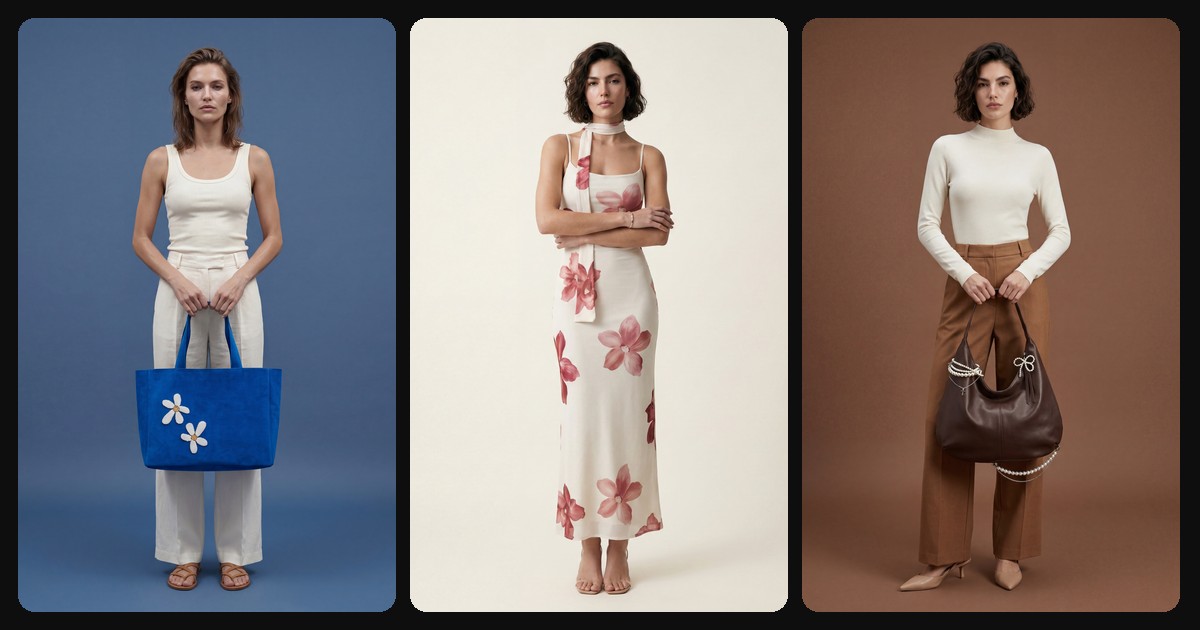
TL;DR: An AI fashion model puts your garment or accessory photo on a model in seconds. No model agency, no shoot day, no production cost; you present the product on a real-looking person, consistently and at a premium level. This guide covers how it works, why a consistent model matters, and tips for great results.
A flat lay tells the customer about a garment, but it doesn't sell it. People want to see how the product sits on a body, how it falls, how it moves. The traditional path means a model agency, a photographer, and a shoot day: expensive, slow, and repeated for every product.
An AI fashion model changes that equation. Upload your product photo, pick a model, and the system recreates the garment on that model with the right proportions and a natural pose.
What is an AI fashion model?
An AI fashion model is a synthetic person generated by the system; it does not represent a real individual. It dresses your uploaded product on that model, preserving the color, cut, pattern, and details of the garment while building the pose, lighting, and scene.
The result looks like a real model shoot. Better still, you can reuse the same model across your entire catalog, creating a consistent face for your brand.
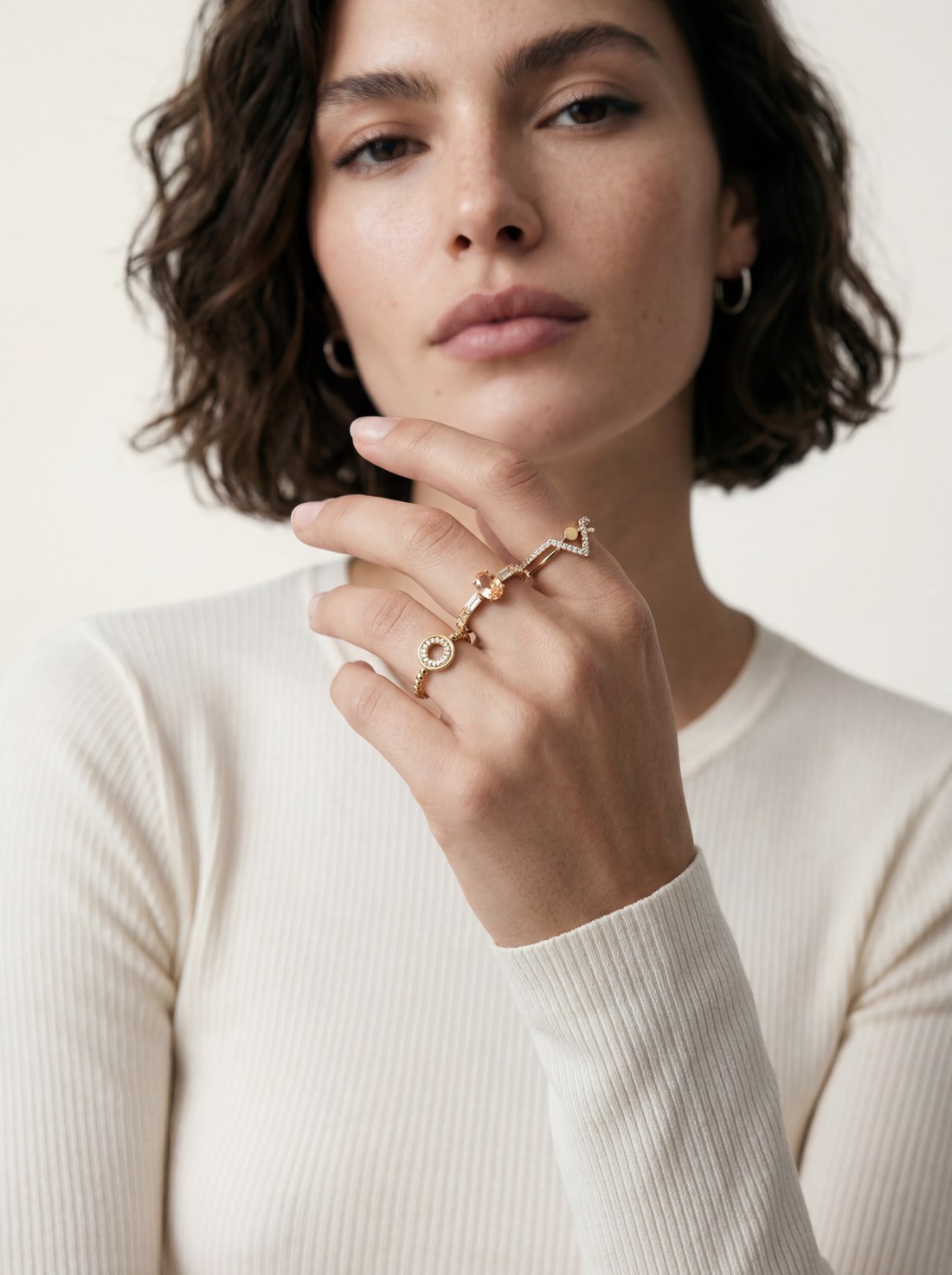
The product worn on a model, studio shot. Created with NOX On-Model.
Step by step: dressing a product on a model
1. Upload the product photo
A single sharp photo in good light is enough. It can be a flat lay, on a hanger, or on a mannequin. The system recognizes the product and adapts it to the model.
2. Choose a model
You have two paths:
- Ready-made model: pick from models in different ethnicities, ages, and styles.
- Your own model: create a model unique to your brand with Model Studio, and use the same person across every shot.
A modest (hijab) model option is also available; when selected, the whole shot is composed accordingly.
3. Set the pose, backdrop, and details
Choose the model's pose, background color, and resolution. Applying the same backdrop and pose across the catalog makes your products look like they came from a single shoot.
4. Generate, reroll if needed
The system delivers a result in a few minutes. Reroll any frame with one click and download the best one.
Why is a consistent model so important?
Making individual pretty shots is easy. The real difference is the same model appearing across your whole catalog. When a customer browsing your product pages keeps seeing the same face, they sense a tidy, established brand. That trust translates directly into conversion.
With an AI model you can make this permanent: create the model once, and the same person shows up on every new product. Think about the cost and difficulty of booking the same model, with the same hair and the same look, for every shoot; AI gives you that with one click.
Tips for better results
- Provide a clean product. The whole garment, true color, good light. The sharper the detail, the more faithfully it renders on the model.
- Pick a model and stick with it. Make it your brand face; use the same model on every product.
- Mix shot types. A clean stance for product pages, a location editorial for social media.
- Watch the fit and proportions. The product's real length and cut must be preserved; check the output against the original.
Which products does it work for?
Almost any wearable or carryable product works: clothing, dresses, outerwear, lingerie, swimwear, bags, shoes, jewelry, and eyewear. For sensitive categories like lingerie and swimwear, a consistent synthetic model keeps the same person across different products.
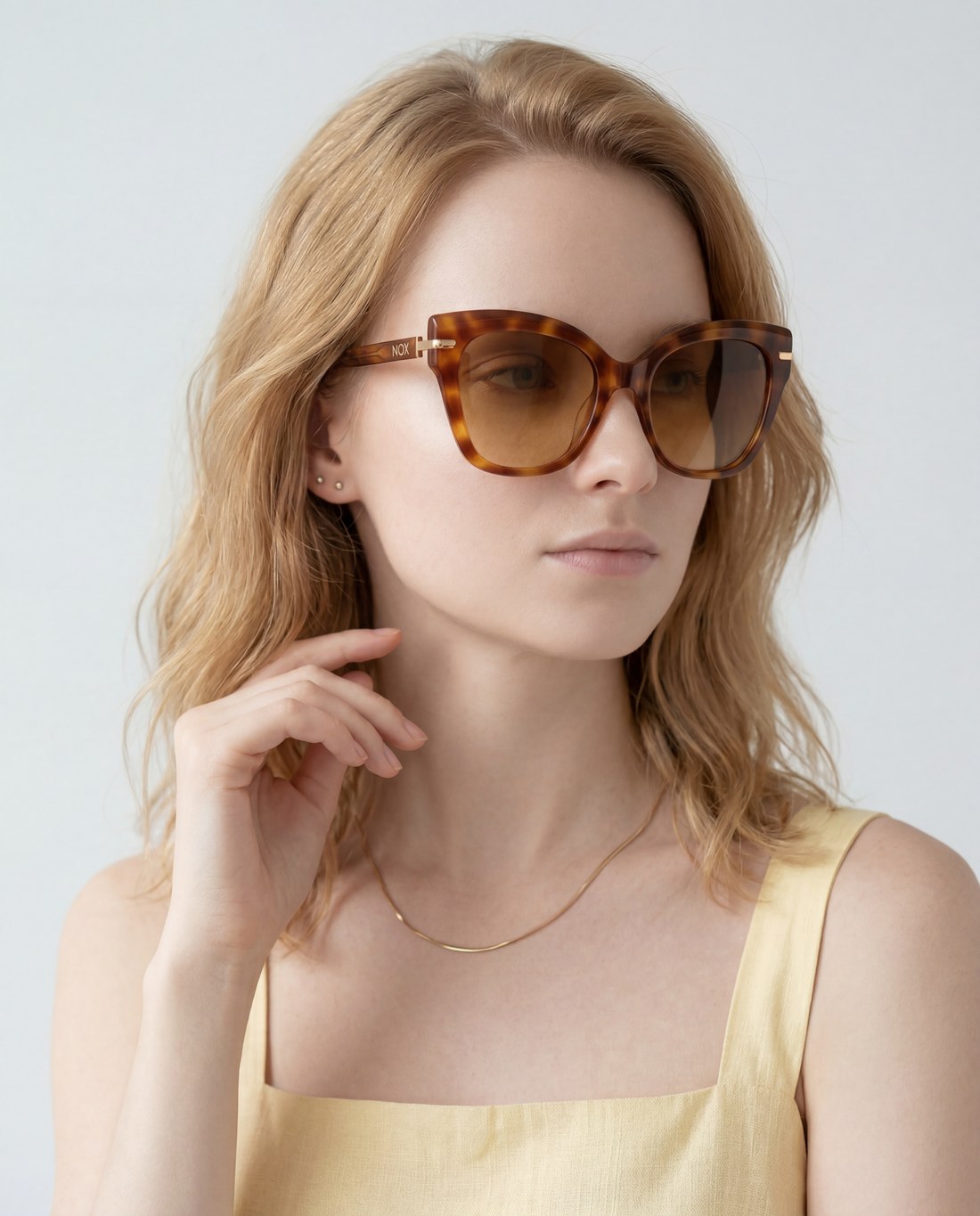
An accessory on a model, clean studio. Created with NOX On-Model.
Frequently asked questions
Is an AI fashion model a real person? No. The model is a synthetic person generated by the system; no real individual's identity or photo is used.
Can I use the same model on all products? Yes. Once you create a model, reuse it across every shot for a consistent brand face.
Are my garment's pattern and cut preserved? Yes. The system analyzes the product first; color, pattern, cut, and details stay faithful to the reference, and only the model and scene are added.
Is a modest (hijab) model possible? Yes. With the modest model option you can shoot on a fully covered, hijab-wearing model.
How fast are results ready? Usually a few minutes. You can reroll any frame instantly.
Ready to create your own shoots?
Studio, model and campaign visuals from a single product photo.