Hepsiburada Product Image Guide: Rules and the Set That Sells (2026)
Hepsiburada's current image rules (white background, size, format), how to pass listing review and how to build the image set that actually converts. Step-by-step AI workflow, no studio needed.
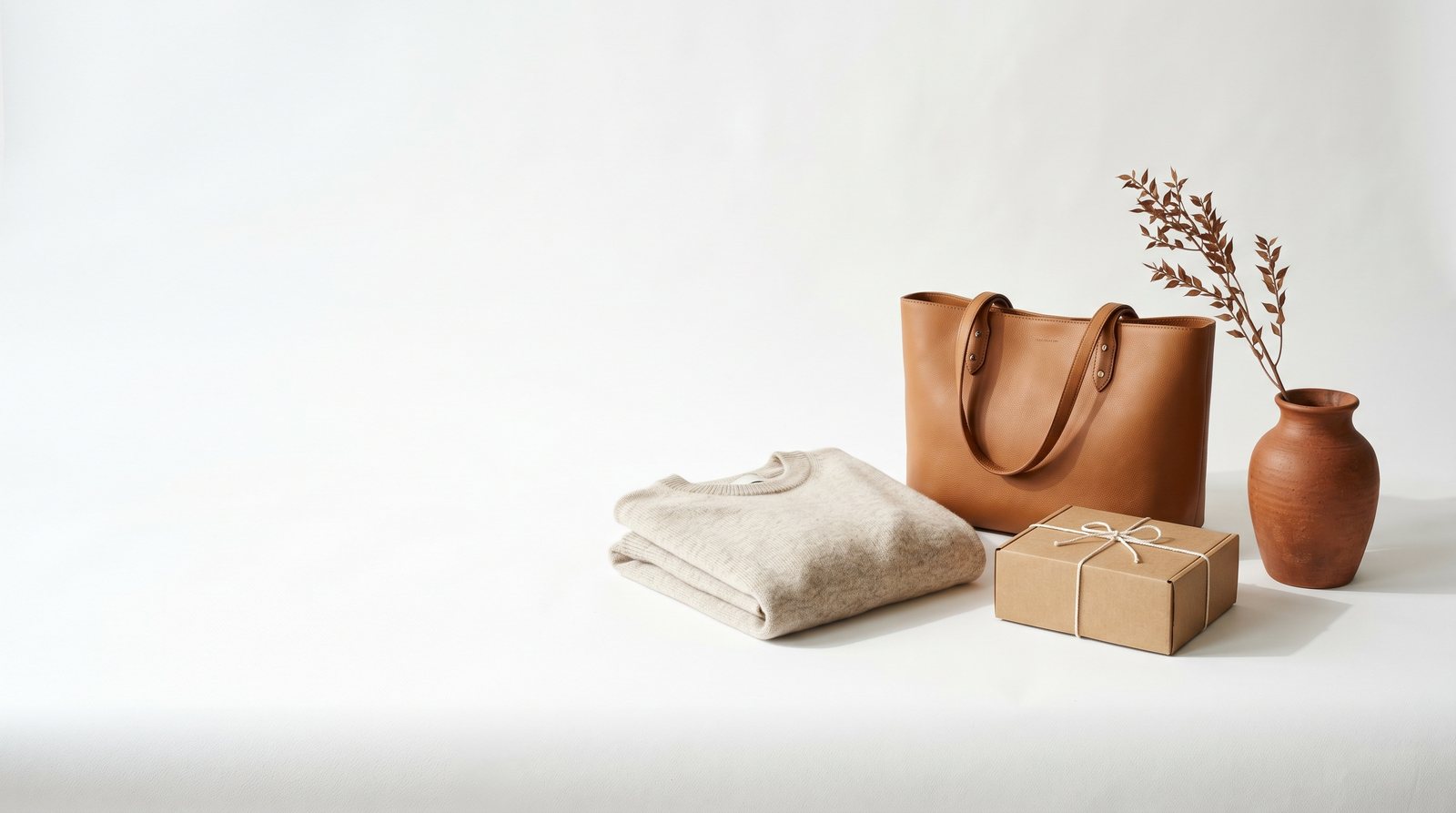
Short answer: On Hepsiburada, one of Turkey's largest marketplaces, the main image must be a clean square shot on a pure white background with nothing but the product: no text, no logo, no watermark. JPG is the standard format and the safe resolution band starts at 1200 x 1200 pixels. Passing review is the easy part; sales come from filling the full image allowance with angle, detail, on-model and lifestyle shots. All of it can now be generated from a single phone photo with AI, no studio required.
If you sell on Hepsiburada, your product sits next to a competitor's in every search result, and buyers decide in a two-second glance. This guide covers two things: what Hepsiburada expects from your images and how to build the set that wins that glance.
Hepsiburada's image rules (summary)
Across seller resources and current guides, the frame looks like this:
- Main image: pure white background; nothing in the frame except the product.
- Text and logos: no text, logos, watermarks or campaign badges on images.
- Format: JPG / JPEG is the standard.
- Size: square ratio; minimum thresholds are low, but the practical safe band is 1200 x 1200 pixels or larger for sharpness and zoom.
- Product integrity: the product must be fully visible, uncropped and true to its real color.
Exact requirements vary by category, so always check the seller panel before uploading. The rules are the entry ticket; selling starts after that.
The gap between approval and sales
A single white-background shot gets you approved, but the set that gets the add-to-cart is bigger. The buyer cannot pick the product up, so your image set does it for them:
- Main shot: white background, sharp, product large in frame. This wins the click.
- Angles: front, back, side and interior where relevant.
- Details: fabric texture, stitching, hardware, clasps. These are the shots that reduce returns.
- On-model: for fashion, jewelry and accessories, the single biggest conversion driver.
- Lifestyle: the product in a real scene. This builds brand perception and defends your price.
Most sellers upload only the first item and stop. Standing out does not require a big budget; it requires a complete set.
How to produce it without a studio (step by step)
Building this set the traditional way means studio rental, a photographer and a model. With AI the workflow collapses to this:
- Take one clear photo of your product: daylight, plain surface, whole product in frame.
- Upload it to NOX Studio.
- Use the Studio tool for your white-background main shot, compliant and sharp.
- Use On-Model to dress the product on a model; lock the same model across your catalog for a consistent storefront.
- Use Editorial for lifestyle and campaign shots.
- Order the images as above; reuse vertical versions for your Instagram storefront.
The system analyzes the product first; color, pattern and shape stay faithful to your reference photo. For the cost math, see: How much does AI product photography cost?
Also selling on Trendyol?
The same set works on Trendyol with small differences; its rules and the 8-image lineup have their own guide: Trendyol product image guide. One production run feeds both marketplaces plus social. We share daily before/after examples on Instagram: @noxstudio.tr
Pre-upload checklist
- Is the main shot on a pure white background, product sharp and large?
- Any text, logo or watermark on the image? (there should be none)
- Resolution at least 1200 x 1200 pixels, square ratio?
- Angle, detail and on-model shots uploaded?
- Does the on-screen color match the real product?
- Do file names describe the product? (e.g. leather-shoulder-bag-tan.jpg)
Frequently asked questions
Can the main image show a model on Hepsiburada? It depends on the category. On-model main images are common in fashion; accessories, cosmetics and home categories expect a white-background product shot. Check the category requirements in the seller panel for the exact rule.
Are AI-generated images allowed on Hepsiburada? Yes. The platform checks whether an image follows the rules, not how it was produced: background, sharpness, size and truthfulness to the product. NOX is built for product fidelity; color, pattern and shape follow your reference photo.
I cannot shoot a white-background photo at home. What now? All you need is one clear phone photo. AI handles the background, lighting and shadows; the NOX Studio tool turns a cluttered-background shot into a compliant white-background main image.
How many shots can I get from one photo? Dozens: studio, on-model, concept and editorial. Everyone who signs up for NOX gets 3 free generations, no card required.
Do Hepsiburada and Trendyol need separate shoots? No. The same set works on both; just mind the small differences in main-image rules. One production run covers every channel.
Ready to create your own shoots?
Studio, model and campaign visuals from a single product photo.