Jewelry Product Photography Guide: How to Shoot Earrings and Necklaces (2026)
Why jewelry is the hardest product category to photograph, and how AI removes most of that difficulty. A real earring's journey from a single phone snapshot to on-model and concept shots, step by step.
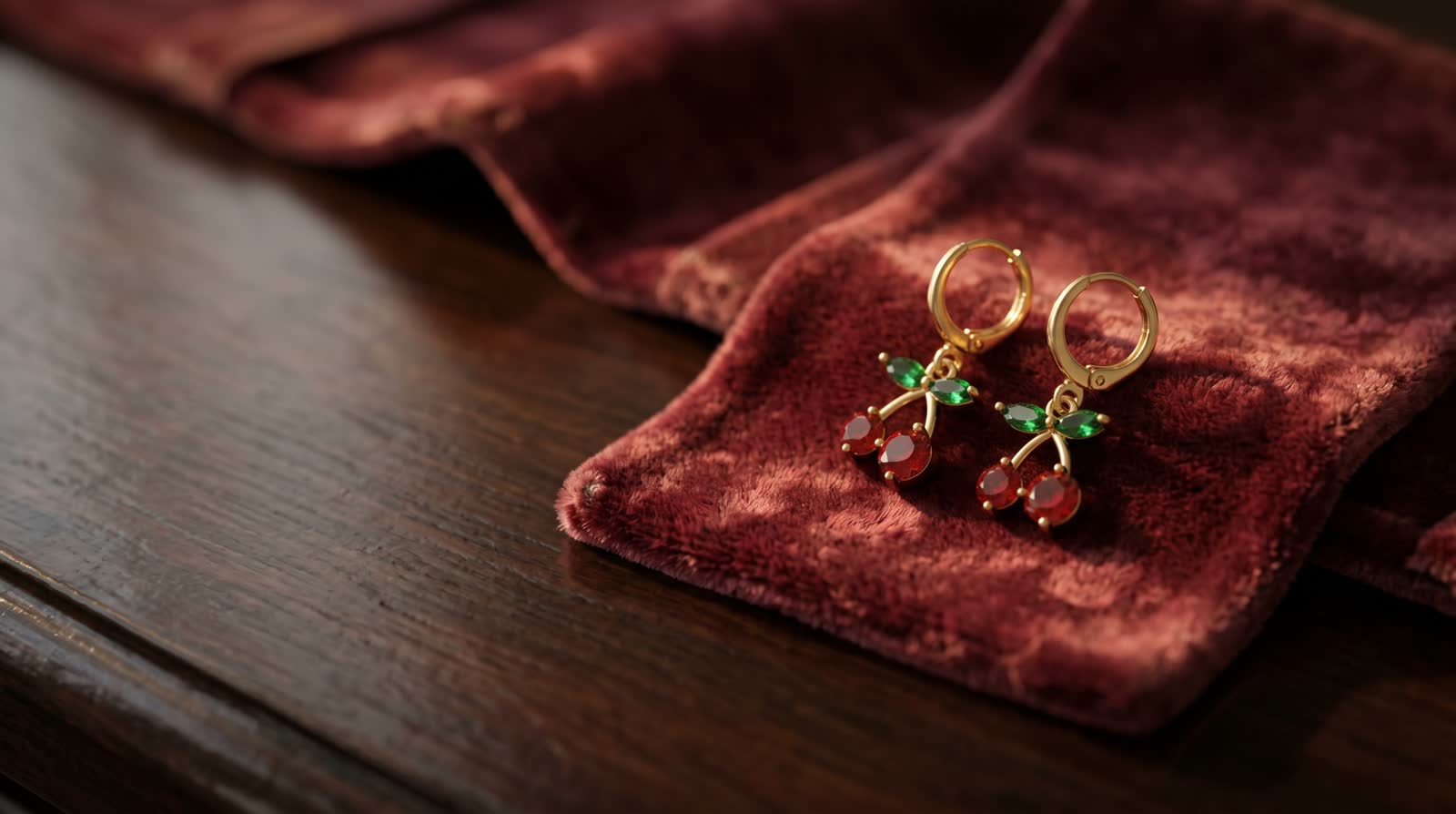
Short answer: Jewelry is the hardest product category in e-commerce photography: pieces are tiny, they shine, they pick up reflections, and they normally demand a macro lens. AI removes most of that difficulty: from a single sharp phone photo you can generate on-model and concept shots that keep the stones and the form faithful to the original. Every image in this guide was generated from one photo of a real earring.
If you sell jewelry, you know the loop: the piece sparkles in your hand, then your phone turns it into a dull bit of metal. Without a light box, a macro lens and retouching, jewelry photos don't sell; and all three cost money and time. This guide first covers the essentials of the classic method, then shows the AI workflow that gets the same job done in minutes, with a real example.
Why is jewelry so hard to photograph?
- Scale: filling the frame with a piece a few centimeters wide takes a macro lens.
- Reflections: metal and stones mirror everything around them; in uncontrolled light the product looks "dirty".
- Focus: at close range the depth of field is millimeters; the stone is sharp while the hook goes soft.
- Color accuracy: gold drifts yellow and silver drifts blue; the buyer opens the box and says "it looked different in the photo".
The classic fix is a light tent, a macro lens, a model day and per-shot retouching. That is a serious budget even for a small collection.
A real example: a full shoot from one phone photo
All three images below were generated from a SINGLE phone photo of the same cherry-themed earring.
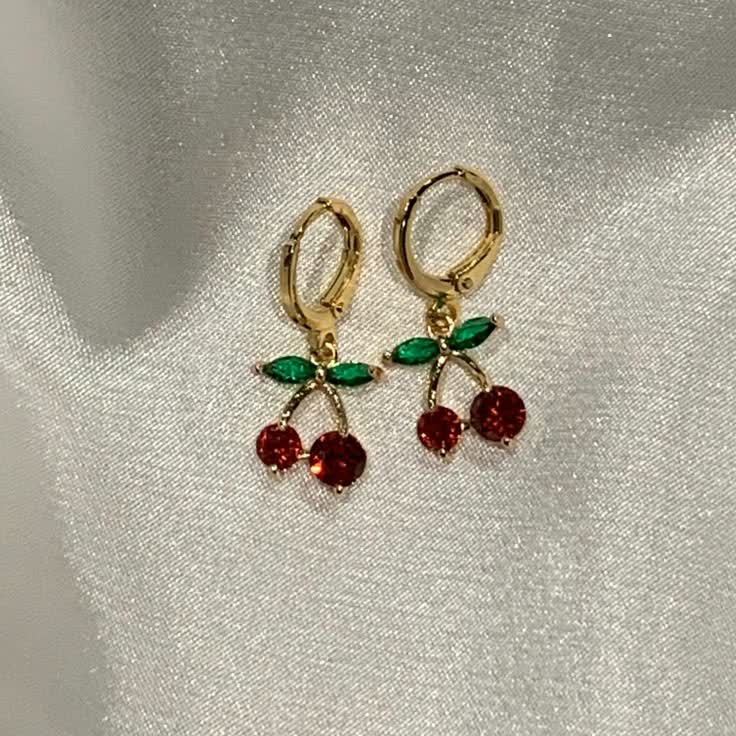
The starting point: one phone snapshot on fabric.
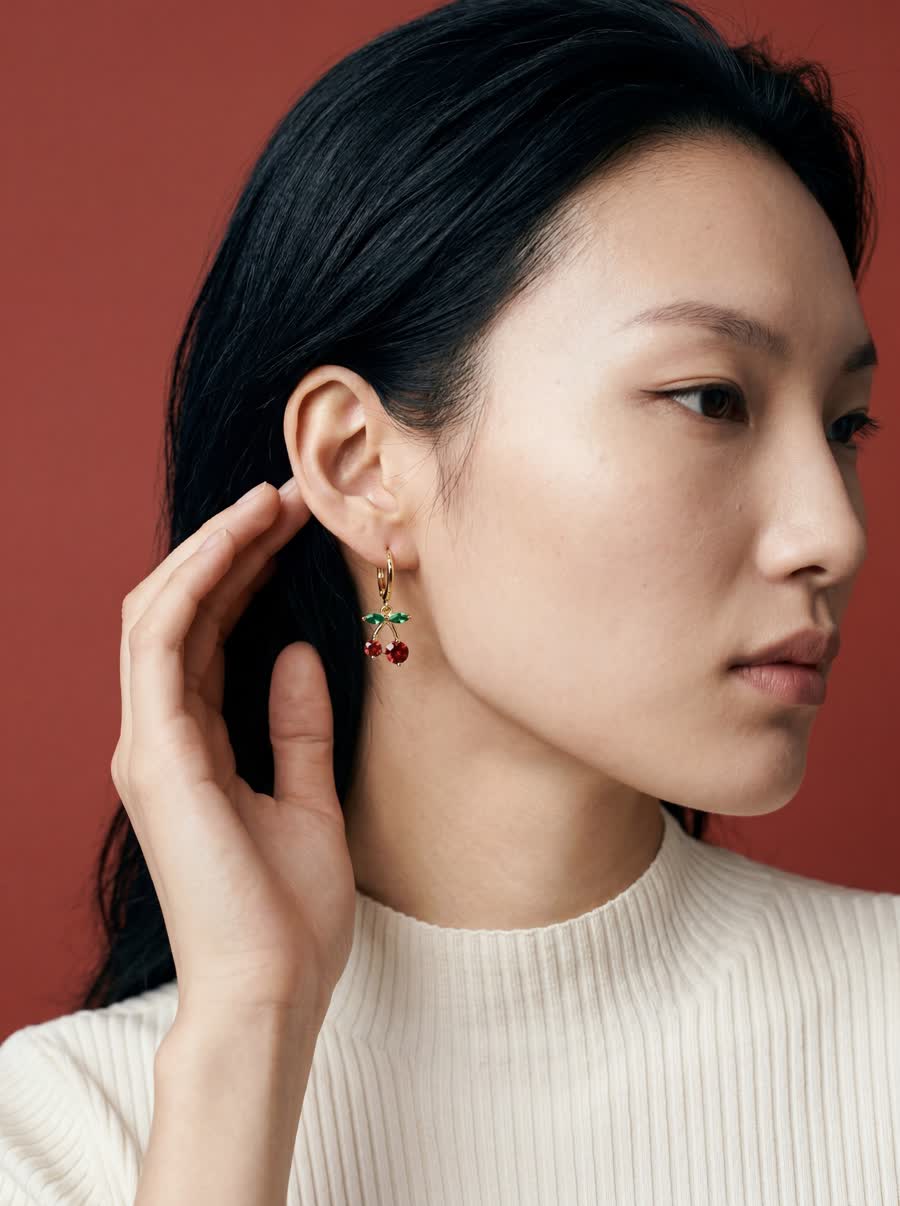
On-model: a real sense of wear, stones and form preserved. NOX On-Model.
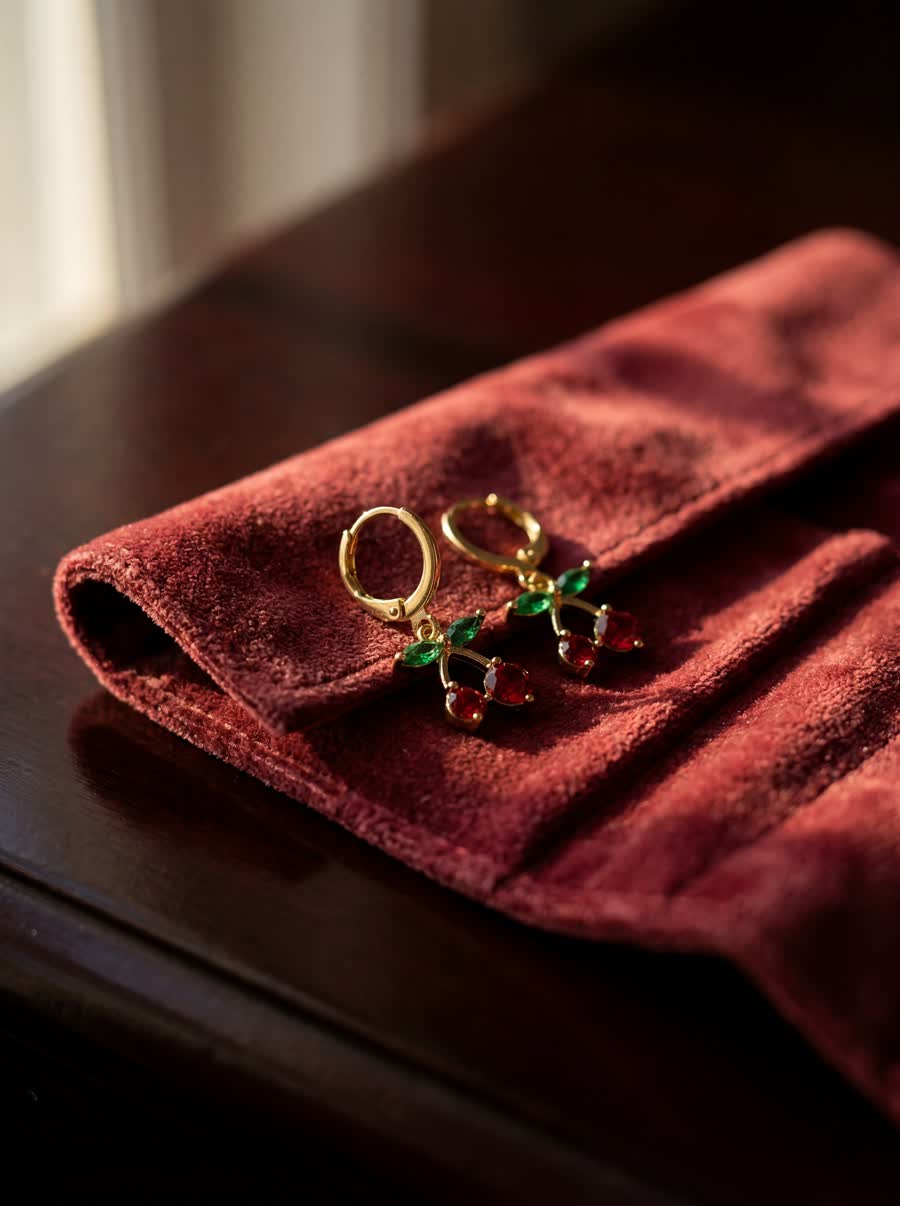
Concept scene: a display-case frame with velvet texture and warm light. NOX Concept.
Step by step: jewelry photography with AI
- Get the reference right. One frame in daylight, on a plain matte surface (fabric works well), with the whole piece and the stone layout clearly visible. Avoid reflective glass or marble surfaces.
- Upload the photo to NOX Studio; the system analyzes the stone color, the metal and the form.
- Use On-Model for ear and neck shots; the framing is set up automatically to feature the product.
- Use Concept for display and social media frames: velvet, marble, flowers and other scenes that suit the piece.
- Pick your strongest frames: a clean shot plus an on-model shot for the product page, and 3:4 vertical concept frames for Instagram.
4 details that decide whether a jewelry image sells
- Sense of scale: a piece shown on its own gives no size cue; an on-model frame answers "how big is it really?" and cuts returns.
- Stone and color fidelity: the stone count and color in the image must match the product exactly; that is where trust is built.
- Texture contrast: shiny metal stands out on matte surfaces such as velvet, linen or stone.
- Series consistency: the same light and scene language across the whole collection; your profile should read as a brand at first glance.
Frequently asked questions
Do I need a macro lens to photograph earrings? For the classic method, yes; sharp detail requires one. In the AI workflow a sharp phone photo of the reference is enough; detailed close-ups are created on the generation side.
Does AI keep the color and the number of stones? The system analyzes the product first; the stone layout, color and metal tone stay faithful to the reference. Still, the healthy workflow is to compare each generation with the original and regenerate anything you don't like.
Is a real model used for on-model jewelry shots? No. The model is a synthetic person generated by the system; using the same model across your entire collection gives you a consistent brand face.
Does the same workflow apply to necklaces and rings? Yes. Necklaces get a neck and neckline framing, rings get a hand framing, both set up automatically; concept scenes work for every jewelry type.
Which frame type works best on Instagram? Before/after comparisons and texture-heavy concept frames, shared in 3:4 vertical. For the product page the standard pair is a clean-background shot plus an on-model shot.
Ready to create your own shoots?
Studio, model and campaign visuals from a single product photo.