How to Create AI Product Photos (2026 Guide)
Professional product and model shots without a studio or a photographer. A step-by-step guide to creating product photos with AI, real examples, and a cost comparison.
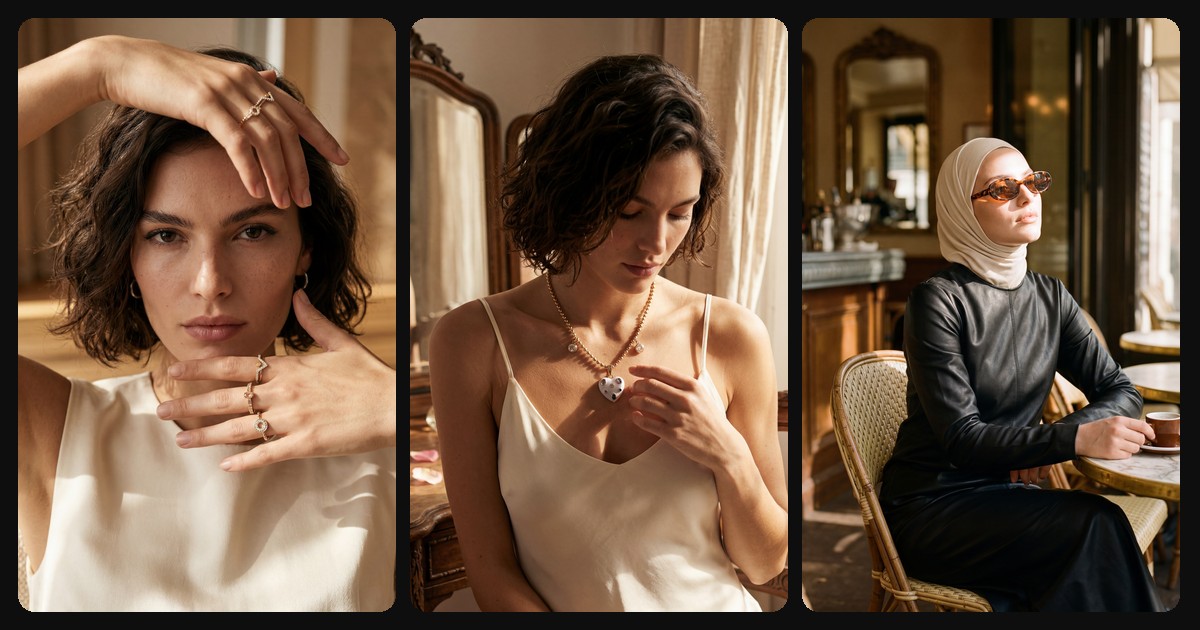
TL;DR: AI product photography turns a single product photo into studio-quality shots in minutes. No studio rental, no photographer, no multi-day shoot. This guide walks through how it works, with real before-and-after examples and how the cost compares to a traditional shoot.
In ecommerce, the product image is everything. Your customer cannot touch the product; they decide based on the photo alone. But a professional shoot is expensive and slow: studio rental, photographer, model, lighting, retouching. Shooting hundreds of frames for a new collection this way drains both budget and time.
This is exactly where AI changes the math. From a single product photo, you can generate clean studio shots, on-model images, and editorial campaign visuals in minutes.
What is AI product photography?
AI product photography analyzes the product image you upload and recreates it on different backgrounds, from different angles, even on a model. It preserves the color, texture, cut, and details of the product while building the scene, lighting, and presentation from scratch.
The result looks like a real photo taken with a real camera. The goal is not to look "AI-made"; the opposite, to capture the natural, editorial feel of a major brand's campaign.
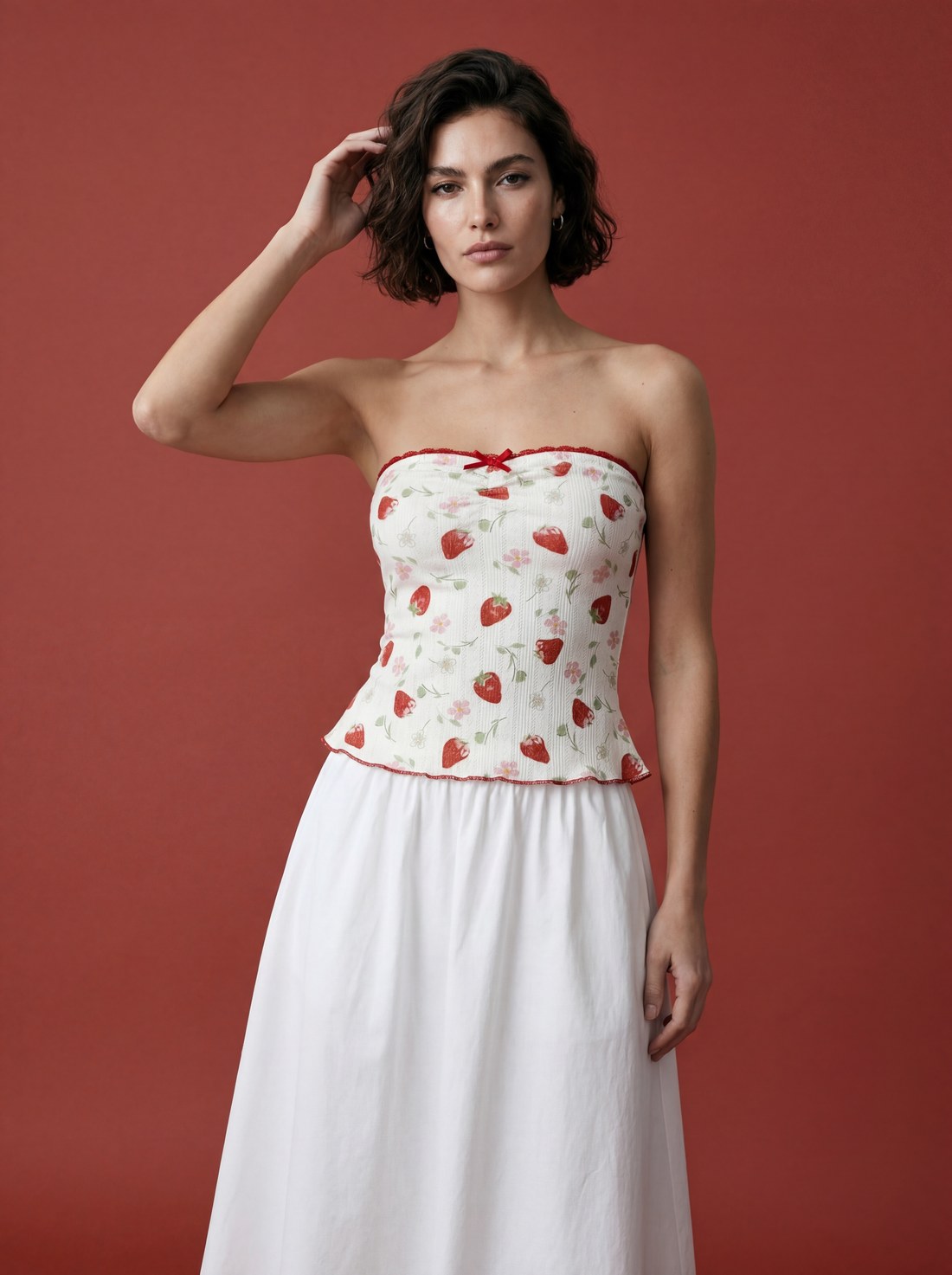
The same product, worn on a model. Created with NOX On-Model.
Step by step: creating product photos with AI
1. Upload your product photo
A single frame shot on your phone is enough. A sharp photo in good light, with the whole product visible, gives the best result. Even a wrinkled or messy shot works; the system recognizes and cleans up the product.
2. Choose the shot type
Decide based on what you need:
- Studio shot: clean background, sharp product frames for your website and ecommerce listings.
- On-model: shows the product worn or carried by a model.
- Editorial: location, mood, and a real campaign feel.
3. Adjust the details
Pick the background color, pose, model, and resolution. Choosing a backdrop that fits your brand keeps your whole catalog visually consistent.
4. Generate and pick
The system returns results in a few minutes. Reroll any frame you don't like with one click, then download the best ones for your site or social media.
Traditional shoot vs AI: a cost comparison
| Traditional studio shoot | With AI | |
|---|---|---|
| Cost per image | $30 to $150 (on-model far more) | A few cents at scale |
| Time | Days (booking, shoot, editing) | Minutes |
| Model / location | Separate fee, separate logistics | Included, unlimited variations |
| Consistency | Changes every shoot | Same model and brand language on every product |
A traditional shoot still has its place, especially for special campaigns. But for everyday catalog work, seasonal refreshes, and fast content, AI frees up both budget and time.
4 tips for better results
- Give a clean reference. The whole product, good light, a single frame. The sharper it is, the more faithful the result.
- Build a brand language. Apply the same backdrop and mood across the catalog; this is about a consistent world, not one-off pretty images.
- Use a consistent model. Reusing the same model across every shot builds trust and brand recall.
- Match the shot type to the goal. Studio for product pages, editorial for social media.
Consistency: not one image, but a brand language
A good AI product photo is not enough on its own. The real difference is your whole catalog speaking the same visual language: the same model, the same light, the same premium presence. As a customer browses your pages, it feels like the work of a single, intentional brand. Consistent models and a brand memory are what turn AI imagery from "a nice picture" into "a real brand studio."
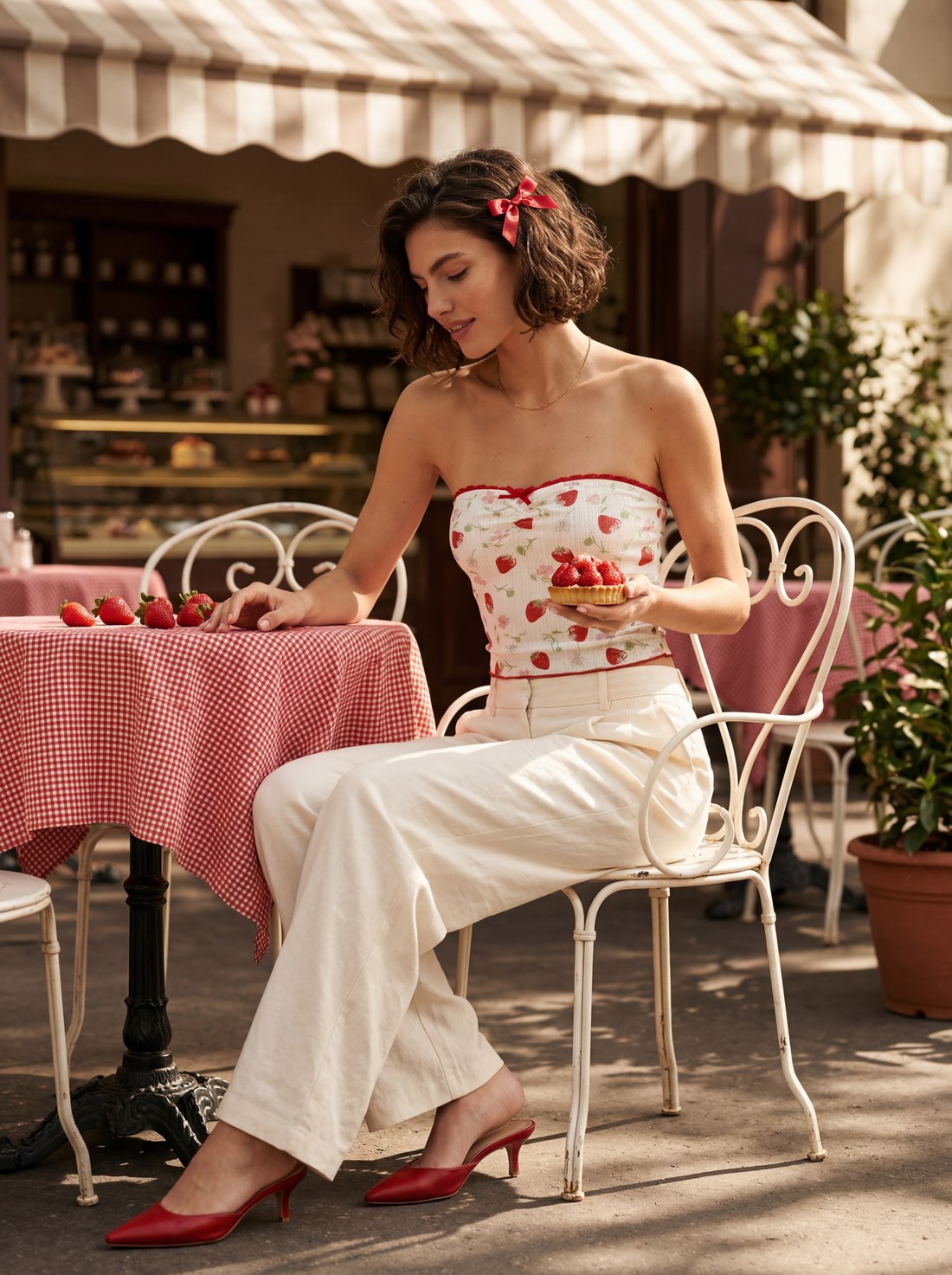
An editorial campaign visual with location and mood. Created with NOX Editorial.
Frequently asked questions
Do AI product photos look real? Yes. Images made with the right tool look like they were taken with a real camera; the goal is an editorial, premium feel, not an artificial one.
Are my product's color and details preserved? Yes. The system analyzes the product first; color, texture, cut, and details stay faithful to the reference, and only the surrounding scene is rebuilt.
Can I shoot with a model? Yes. You can dress the product on a model, and even use the same model consistently across your entire catalog.
How fast do I get results? Usually a few minutes. You can reroll any frame instantly.
Does it work for any product? Clothing, bags, shoes, jewelry, eyewear, and most wearable or carryable products work. Each preserves its real shape and details.
Ready to create your own shoots?
Studio, model and campaign visuals from a single product photo.